Laravel Filament: Complete Helpful Guide to Building Modern Laravel Admin Panels (2026)
LaravelJul 27, 2026
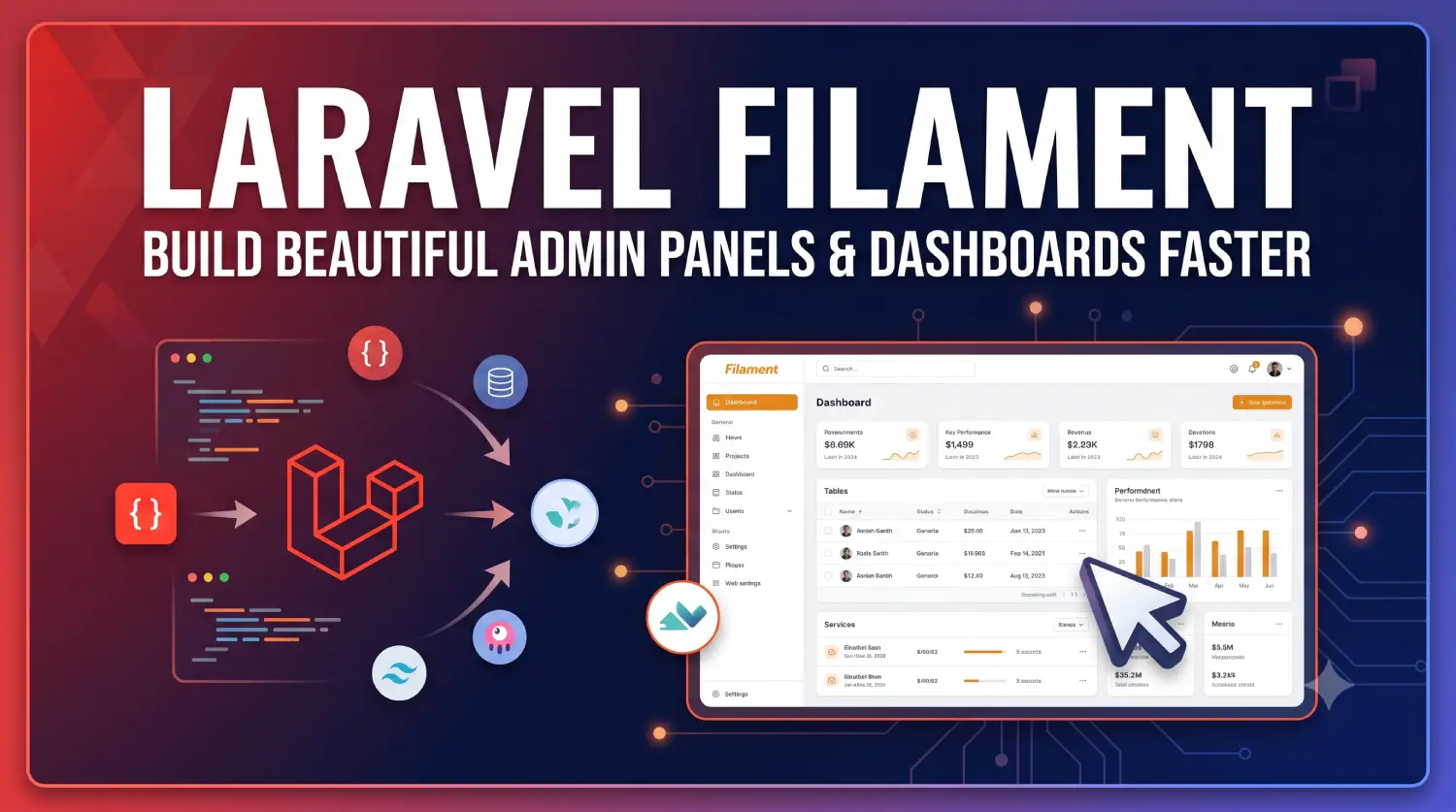
Laravel Filament has grown from a small Laravel admin panel package into one of the most widely adopted application frameworks in the Laravel ecosystem. It now powers everything from internal CRUD tools to full SaaS back offices, and its component-based architecture means it can be used as a complete panel builder or broken apart into standalone form, table, and infolist packages for any Laravel app.
Table of Contents
This guide expands on the fundamentals with a deeper look at how Laravel Filament is structured today, what’s new in the current major versions, and how teams typically adopt it in production.
What Is Laravel Filament
Laravel Filament is a powerful open-source Laravel admin panel and application framework built specifically for Laravel. It lets you build beautiful Laravel admin dashboards, CRUD applications, internal tools, SaaS back offices, and business management systems much faster than building everything from scratch.
Filament is a collection of packages that provide everything you need to build modern Laravel applications with minimal code.
At its core, Filament is not a single package — it’s a suite of coordinated Laravel packages that share a common design language and build on top of Livewire and Tailwind CSS. The main pieces are:
- filament/filament — the panel builder, which combines every other package into a cohesive admin-panel framework
- filament/schemas — the underlying layout and component system that forms and infolists are built on
- filament/forms — the form component library (text inputs, selects, repeaters, rich editors, etc.)
- filament/tables — the data table builder (sorting, filtering, bulk actions, exports)
- filament/actions — reusable “do something” actions with modals, wizards, and confirmation flows
- filament/infolists — read-only record displays
- filament/notifications — flash and database-backed notifications
- filament/widgets — dashboard widgets (stats, charts, custom Livewire widgets)
- filament/support — shared UI primitives (buttons, badges, icons) usable outside of a panel entirely
Because these are separable, a developer can install just filament/forms inside an existing non-admin Laravel app to get Filament-style form building, without pulling in the full panel experience. Most projects, however, install the whole filament/filament package, which wires everything together.
Filament 5 and the Move to Livewire 4
As of mid-2026, Filament 5 is the current stable major version, with the package ecosystem publishing frequent patch releases (v5.7.x at the time of writing). The jump from Filament 4 to Filament 5 wasn’t primarily about new admin-panel features — it exists specifically because Livewire 4 was released as a major version, and Filament 5 upgrades its Livewire dependency to match.
The Laravel Filament team has been explicit that most of the headline capabilities people associate with modern Filament — the Schema system, container-query responsive layouts, the Tiptap-based rich text editor, nested resources, and performance improvements to Blade rendering — actually landed in Filament 3.1, Filament 4, and Filament 4.1, and Filament 5 carries those forward while adding Livewire 4 compatibility underneath.
Projects that don’t directly depend on livewire/livewire can upgrade with little friction, and the Laravel Filament team ships an automated upgrade script alongside a written upgrade guide for anyone with custom Livewire components. Alongside Filament 5, the team also introduced Filament Blueprint, a tool designed to help AI coding agents generate accurate implementation plans for Filament 4 and 5 projects, plus new AI-assisted development documentation.
System Requirements
Before installing, it’s worth confirming your stack matches Filament’s current requirements. According to the official documentation, Laravel Filament needs:
- PHP 8.2 or higher
- Laravel v11.28 or higher
- Tailwind CSS v4.1 or higher (Filament v4 and v5 both moved to Tailwind’s newer configuration model)
If you’re working in an older Laravel application still on Tailwind CSS v3, plan for a Tailwind upgrade as part of adopting current Filament versions.
Installing Laravel Filament
Filament’s installation process branches depending on what you’re building. If you want the full Laravel admin panel experience, you install the panel builder package directly:
composer require filament/filament:"^5.0"
php artisan filament:install --panels
If you’re starting a brand-new Laravel project and want Filament to scaffold Livewire, Alpine.js, and Tailwind CSS for you in one shot, the docs recommend a scaffolding install — but only on a fresh project, since it will overwrite existing frontend files:
php artisan filament:install --scaffold
npm install
npm run dev
If you only need individual components — for example, just the form builder or just the Blade UI primitives — you can require the specific sub-packages instead of the full filament/filament meta-package:
composer require filament/tables:"^5.0" filament/schemas:"^5.0" filament/forms:"^5.0" filament/infolists:"^5.0" filament/actions:"^5.0" filament/notifications:"^5.0" filament/widgets:"^5.0"
Windows PowerShell users are advised to quote version constraints (e.g., filament/tables:"~5.0") because PowerShell interprets the ^ character differently than Bash does.
After installing the panel builder, you’ll typically want an initial admin user:
php artisan make:filament-user
Then serve the app as usual and visit the /admin path (or whatever path your panel is registered on) to sign in.
Anatomy of a Laravel Filament Panel
A panel is Filament’s top-level construct — a self-contained application experience with its own authentication, theme, navigation, and set of resources, pages, and widgets.
A single Laravel installation can host multiple panels (for example, /admin for staff and /app for customers), each configured through its own PanelProvider class. You only need to install Laravel Filament once per project, but you can register as many panels as your application needs, each with independent branding, middleware, and access rules.
Resources: The Core Building Block
Resources remain the heart of a Laravel Filament application — they are CRUD interfaces bound to an Eloquent model. Generating one is still a single Artisan command:
php artisan make:filament-resource Post
Out of the box, a resource ships with three pages: a paginated List page, a Create form, and an Edit form. You can optionally generate a fourth, read-only View page. Each resource automatically registers itself in the panel’s sidebar navigation as soon as it’s created, so there’s no manual route or menu wiring required.
Filament 4 and 5 also support nested resources, letting you scaffold a “child” resource tied to a parent relationship with a single flag:
php artisan make:filament-resource Product --nested
This generates the child resource inside the parent’s folder structure (for example, app/Filament/Resources/Categories/Resources/Products/ProductResource.php), which keeps deeply related data — like products that always belong to a category — organized without hand-building a custom relation manager.
Laravel Filament also supports singular resources for models that only ever have one record (like a site-wide settings row), and global search, which lets users jump to any record across every registered resource from a single search bar.
Schemas: The Layout Engine Behind Forms and Infolists
One of the most significant structural changes in modern Filament is the introduction of the Schema system. A schema is represented by a Filament\Schemas\Schema object, and both forms and infolists are now built by passing an array of components into that schema’s components() method.
This unification means the same layout primitives — Sections, Tabs, Wizards, Grids — work identically whether you’re building an editable form or a read-only infolist, which reduces the amount of separate layout code teams have to maintain.
Tabs, for instance, help break up long or complex schemas into digestible sections, and as of recent releases you can switch a tab group to a vertical layout with a single vertical() method call.
Laravel Filament also added container queries on top of traditional viewport-based breakpoints, so a component’s responsive behavior can now be based on the size of its parent container rather than only the browser window — useful when the same form might render inside a full-width page in one context and a narrow modal in another.
Forms
Laravel Filament’s form component library covers the overwhelming majority of what admin panels need without custom code:
- Text Input, Textarea, Hidden
- Select, Checkbox, Checkbox List, Radio, Toggle, Toggle Buttons
- Date-Time Picker, Slider, Color Picker
- File Upload
- Rich Editor, Markdown Editor, Code Editor
- Repeater, Builder, Tags Input, Key-Value
A field is typically declared fluently, chaining validation and behavior directly onto the component:
TextInput::make('title')
    ->required()
    ->maxLength(255);
A significant change in Filament 4/5 is the rich text editor’s underlying engine: it switched from Trix to Tiptap, a modern, headless, and highly extensible open-source editor framework.
By default, the rich editor still stores its content as HTML, but you can opt into storing it as JSON instead by calling json(). The Tiptap-based editor also supports custom blocks — reusable elements that users can drag and drop directly into the editor — which opens the door to structured content authoring (callouts, embeds, pull-quotes) without leaving the WYSIWYG experience.
Tables
The table builder handles the browsing side of CRUD: sortable and searchable columns, filters, bulk actions, row-level actions, summaries, row grouping, custom empty states, and pagination. Declaring a searchable, sortable column looks like this:
Tables\Columns\TextColumn::make('title')
    ->searchable()
    ->sortable();
Filament 4 and 5 both include dedicated Import and Export actions for tables, which let you wire CSV/Excel import and export flows into a resource’s table without a bespoke Livewire component.
The framework’s rendering pipeline has also been reworked for performance: rather than rendering many small Blade partials, Filament increasingly renders HTML from PHP objects directly and consolidates repeated Tailwind class groups into dedicated CSS classes, which noticeably improves interaction performance on tables with large record counts.
Actions
Actions are Filament’s abstraction for “doing something” — creating, editing, deleting, replicating, restoring, force-deleting, importing, or exporting a record, as well as fully custom operations you define yourself.
Actions can open confirmation modals, multi-step wizards, or custom forms before executing, and they can be grouped together into dropdown menus when a table row has more operations than fit comfortably as visible buttons.
Infolists
Infolists render a read-only view of a record using the same schema and component philosophy as forms — Text Entry, Icon Entry, Image Entry, Color Entry, Code Entry, Key-Value Entry, and Repeatable Entry components let you present structured data cleanly on View pages without reusing editable form fields for a read-only context.
Widgets
Widgets are the building blocks of dashboards — statistics overviews, chart widgets, and fully custom Livewire-powered widgets. Every widget is, under the hood, a genuine Livewire component, so it has full access to reactive properties, polling, and event listening.
A fresh panel installation ships with a couple of default Laravel dashboard widgets (an account/greeting widget and a Filament info widget), which teams typically replace with their own business metrics — total users, revenue, orders today, or monthly sales trends.
Custom Pages
Not everything fits the resource or widget model. Custom pages are a blank canvas — each is backed by a full-page Livewire component and its own Blade view — commonly used for settings screens, in-app documentation, or bespoke dashboards that don’t map cleanly to a single Eloquent model.
Relation Managers
For managing related records without building an entirely separate resource, relation managers let you attach a nested CRUD table to a parent resource’s Edit or View page — for example, managing a category’s products, images, and reviews directly from the category screen, without writing separate list/create/edit pages for each relationship.
Users, Authentication, and Multi-Tenancy
Laravel Filament ships with authentication out of the box — login, logout, password reset, email verification, and user profile management — so most panels need zero custom auth scaffolding to get started.
On top of basic auth, Filament supports multi-factor authentication and multi-tenancy, the latter of which allows a single panel installation to serve multiple isolated “tenants” (organizations, teams, or accounts), each seeing only their own data — a common requirement for SaaS products built on top of Filament.
Styling and Customization
Filament’s UI is Tailwind CSS-based and ships with light, dark, and system theme support by default. For teams that need to go beyond configuration-level theming, Filament exposes CSS hooks for targeted style overrides, a documented color system, and an icon customization layer, so you can swap the default icon set or adjust the color palette without forking component templates.
Testing
Laravel Filament provides first-class testing helpers for resources, tables, schemas/forms, actions, and notifications, built on top of Laravel’s standard testing tools.
This means you can assert that a table filters correctly, that a form validates the way you expect, or that an action produces the right side effects, using the same testing conventions you’d already use elsewhere in a Laravel application — rather than reaching for browser-based end-to-end tests for routine CRUD behavior.
Plugins and the Ecosystem
Beyond the core packages, Filament has a large third-party plugin ecosystem, and the framework exposes documented extension points for building your own: panel plugins, standalone plugins, and configurable resources/pages that other developers can install and customize via a fluent API.
The official plugin directory covers things like advanced data visualization, document generation and printing, module system integrations, and specialized field types — meaning many “custom feature” requirements can be solved by installing a community package rather than writing bespoke Livewire code from scratch.
Notifications
Filament’s notifications package covers three delivery contexts that most panels need: transient flash-style notifications shown right after an action completes, persistent database notifications that a user can revisit from a notification bell, and broadcast notifications pushed in real time over a websocket connection (typically via Laravel Echo/Reverb or Pusher).
Because notifications are their own standalone package, they can also be rendered outside of a panel entirely — useful if you want Filament-styled toasts inside a customer-facing part of your app that isn’t built with the panel builder.
Security and Deployment
Filament ships a dedicated Security guide in its advanced documentation covering topics like authorization boundaries, mass-assignment protection for generated forms, and safe defaults for file uploads — worth reviewing before exposing any panel to the public internet, since an admin panel is a high-value target by definition.
On the operational side, the Deploying to production guide covers the practical checklist for shipping a Laravel Filament panel: compiling and versioning frontend assets, caching config/routes/views, queueing notification and import/export jobs rather than running them synchronously, and making sure storage disks used for file uploads are configured correctly outside of local development.
Laravel Filament Blueprint, introduced alongside Filament v5, now also includes automated security audits that scan a project for common misconfigurations and suggest fixes, which is a useful sanity check even for teams that already know the manual checklist well.
Advanced Architecture Options
For larger codebases, Filament documents an optional modular architecture pattern based on domain-driven design principles, letting resources, pages, and widgets for a given business domain live together in their own module rather than being flattened into a single app/Filament directory.
Filament also exposes render hooks, which let plugins or application code inject markup at fixed points in the panel’s layout (the top of a form, the end of the sidebar, inside a page header) without needing to override entire Blade views — this is the same mechanism most official and third-party plugins use to add UI without forking core templates.
For teams generating a large number of resources, the file generation documentation covers how Filament’s Artisan generators can be customized, including changing the stub templates used for new resources and pages.
Laravel Filament vs. Laravel Nova
Both Laravel Filament and Laravel Nova solve the same basic problem — turning Eloquent models into an admin interface quickly — but they differ in cost, licensing, and underlying technology.
| Aspect | Filament | Laravel Nova |
|---|---|---|
| License | Open source (MIT), free | Paid, commercial license |
| Frontend | Livewire + Alpine.js + Tailwind CSS | Vue.js-based |
| Customization | High, via schemas, plugins, and Blade hooks | High, via custom tools and cards |
| Community & plugins | Large open-source ecosystem | Smaller, curated marketplace |
| Multi-panel support | Yes, natively | Not a core concept |
For teams that want to avoid a recurring license cost, prefer server-rendered Livewire over a Vue SPA, or need multiple distinct panels in one app, Laravel Filament is generally the more natural fit. Nova remains a solid option for teams already comfortable with its Vue-based tooling and willing to pay for official support.
Common Use Cases
Laravel Filament shows up across a wide range of application types:
- Content management systems (CMS)
- Customer relationship management (CRM) tools
- Enterprise resource planning (ERP) back offices
- HR and school management systems
- Hospital and clinic administration tools
- Inventory and warehouse management
- E-commerce admin dashboards
- SaaS product back offices and internal tools
- Analytics and reporting dashboards
Limitations to Keep in Mind
Filament is deliberately Laravel-native, so it isn’t a general-purpose admin framework you can drop into a non-Laravel backend. Some advanced UI customization requires comfort with both Livewire’s reactivity model and Tailwind’s utility classes rather than plain Blade and CSS.
And while Laravel Filament handles the vast majority of internal-tool and dashboard use cases well, applications that need a fully custom, highly interactive front-end experience for end users (rather than an admin audience) may still be better served by a dedicated SPA built with React or Vue, with Laravel Filament reserved for the internal/admin side of the same product.
A Practical Learning Roadmap
- Get comfortable with core Laravel fundamentals (routing, controllers, migrations)
- Learn Eloquent ORM — relationships, scopes, casts — since resources are built directly on top of it
- Learn Livewire basics, since every Laravel Filament page and widget is a Livewire component under the hood
- Install Laravel Filament and explore the default panel
- Generate and customize your first Resource
- Build out Forms and Tables using the schema-based component system
- Wire up relation managers and nested resources for related data
- Add dashboard Widgets (stats and charts)
- Implement roles, permissions, and (if needed) multi-tenancy
- Explore the plugin ecosystem and, if you build something reusable, consider publishing your own plugin
References
- Filament — official homepage
- Getting started (5.x docs)
- Installation (5.x docs)
- Resources overview (4.x docs)
- Schemas overview (4.x docs)
- Forms overview (4.x docs)
- Tables overview (4.x docs)
- Widgets overview (4.x docs)
- Testing overview (4.x docs)
- Plugins: getting started (4.x docs)
- Introducing Filament v5 and Filament Blueprint
- What’s new in Filament v4? — feature overview
- Filament on GitHub
- filament/filament on Packagist
Conclusion
Laravel Filament has become a default choice for building admin panels, internal tools, and SaaS back offices inside the Laravel ecosystem, and its trajectory through versions 3.1, 4, 4.1, and now 5 shows a framework that keeps refining its core abstractions — schemas, actions, and a unified component model — rather than chasing surface-level redesigns.
The move to Livewire 4 in Laravel Filament 5, the switch to a Tiptap-based rich editor, and the ongoing performance work on Blade rendering all point to a project that’s maturing alongside the rest of the Laravel ecosystem rather than sitting still.
Whether you’re scaffolding a simple CRUD tool or a multi-tenant SaaS dashboard, Filament’s combination of Laravel, Livewire, and Tailwind CSS remains one of the fastest paths from a database schema to a production-ready admin interface.