WordPress Studio (2026): Complete Helpful Guide to Local WordPress Development
WordpressMay 03, 2026
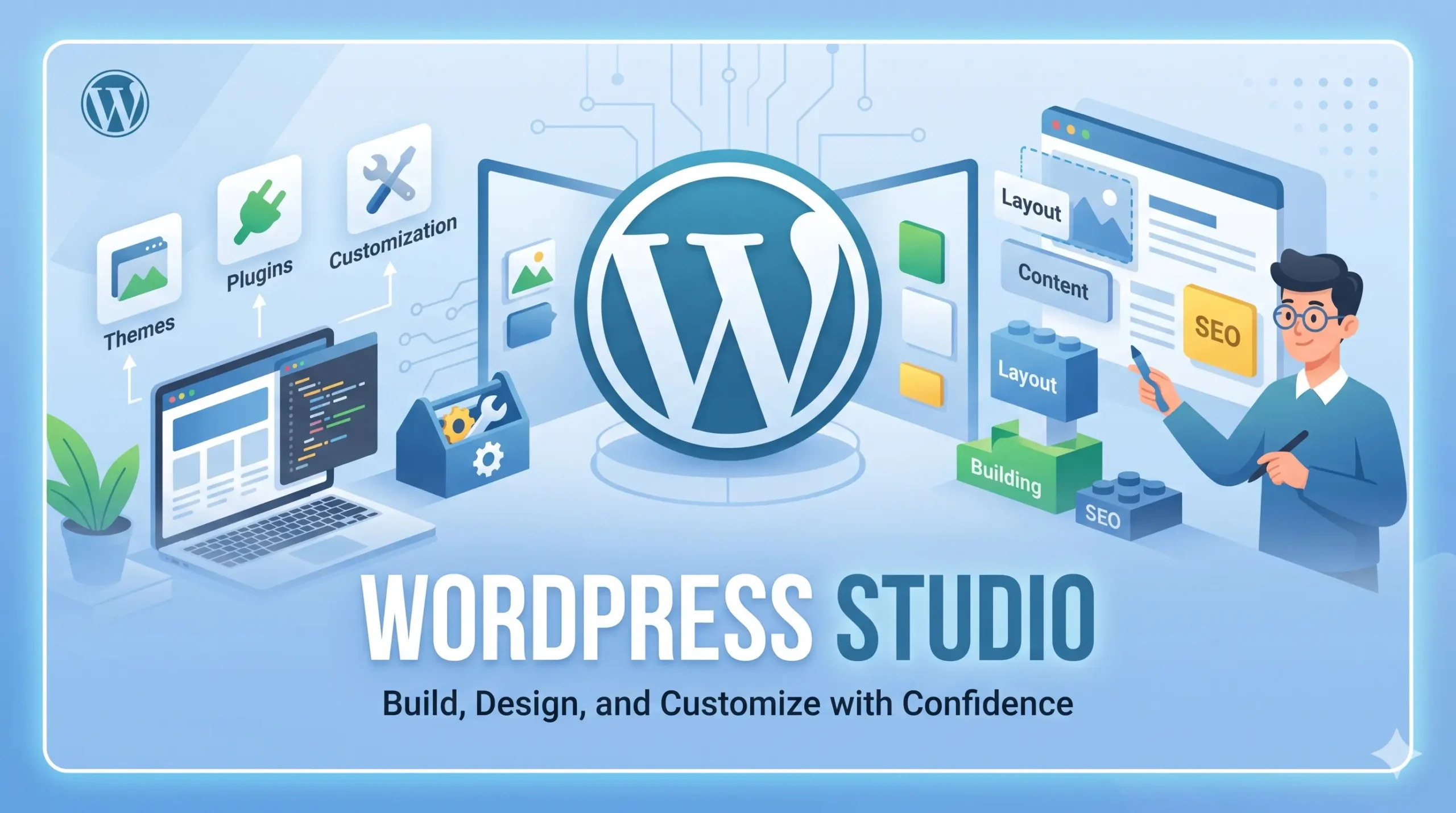
In this detailed guide, we’ll explore everything you need to know about WordPress Studio, including its features, installation process, architecture, CLI usage, benefits, limitations, and real-world use cases—aligned with 2026 updates.
Table of Contents
In modern web development, speed, flexibility, and efficiency are no longer optional—they are essential. Developers, designers, and agencies constantly seek tools that simplify workflows while maintaining high performance and scalability. This is where WordPress Studio emerges as a game-changing solution in 2026.
WordPress Studio is redefining how developers build WordPress websites locally. Instead of dealing with complex environments like Docker, Apache, MySQL, or manual installations, Studio offers a fast, dependency-free local development environment powered by modern technologies like WordPress Playground and seamless integration with WordPress.com.
Whether you’re a beginner learning WordPress or an experienced developer building advanced themes and plugins, WordPress Studio provides a streamlined, powerful, and future-ready workflow.
What is WordPress Studio?
WordPress Studio is a free, open-source local development tool designed to help developers create and manage WordPress websites directly on their local machines. (WordPress.com)
Unlike traditional setups that require configuring servers or databases manually, WordPress Studio allows you to:
- Create WordPress sites instantly
- Run them locally without dependencies
- Sync with live sites
- Share preview versions
- Automate workflows using CLI tools
At its core, Studio aims to simplify development and eliminate friction, making it easier to focus on building websites rather than configuring environments.
Key Concept
WordPress Studio is built to:
- Replace traditional local development tools
- Provide a unified environment for WordPress projects
- Integrate seamlessly with cloud-based WordPress services
Why WordPress Studio Matters in 2026
The web development ecosystem is evolving rapidly, and WordPress Studio reflects this shift. In 2026, developers expect:
- Faster setup times
- Automation-ready workflows
- AI-assisted development
- Seamless local-to-live transitions
WordPress Studio delivers all of these.
Key Reasons for Its Popularity
- Zero Configuration Setup
No need to install PHP, MySQL, or web servers manually. - Lightning-Fast Development
Sites can be created in seconds. - AI + CLI Integration
Developers can automate tasks using CLI and AI tools. - Cross-Platform Support
Works on Windows, macOS, and Linux. - Future-Ready Architecture
Built on modern technologies like WordPress Playground.
Core Features of WordPress Studio
1. Instant Local WordPress Setup
One of the most powerful features of Studio is the ability to spin up a WordPress site instantly.
- No manual installation
- No server configuration
- No database setup
You simply create a site, and Studio handles everything.
2. Dependency-Free Development
WordPress Studio uses WordPress Playground, meaning:
- No Apache/Nginx required
- No MySQL installation
- Everything runs locally in a lightweight environment
This drastically reduces setup complexity and improves portability.
3. Unlimited Local Sites
You can create multiple WordPress sites without restrictions, making it ideal for:
- Agencies managing multiple clients
- Developers testing plugins/themes
- Learners experimenting with WordPress
4. Seamless Sync with WordPress.com
Studio allows synchronization between:
- Local environments
- Production sites
- Staging environments
This ensures smooth development workflows and reduces deployment errors.
5. Preview Sites for Collaboration
Developers can create shareable preview links for clients or team members.
These preview sites:
- Mirror your local project
- Are hosted temporarily on WordPress.com
- Allow real-time feedback
6. Built-in WP-CLI Integration
Studio integrates WP-CLI directly, allowing you to:
- Manage plugins
- Update WordPress core
- Run database commands
Without installing WP-CLI separately. (WordPress.com)
7. Studio CLI (Command Line Interface)
In 2026, the Studio CLI has become one of the most powerful features.
It allows developers to:
- Create and manage sites
- Automate workflows
- Run commands from the terminal
Example:
studio site create
studio site start
studio site stop
These commands simplify development and enable automation. (WordPress.com)
8. phpMyAdmin Access
A recent 2026 update introduced built-in phpMyAdmin access, making database management easier. (WordPress.com)
This eliminates the need for external database tools.
9. CLI Installation via NPM
Developers can now install Studio CLI using npm:
npm install -g wp-studio
This allows a fully terminal-based workflow, even without the desktop app. (WordPress.com)
10. AI-Powered Development (Studio Code Beta)
A new feature called Studio Code acts like an AI assistant:
- Reads your codebase
- Edits files
- Runs commands
- Follows WordPress best practices
This brings AI-assisted development directly into the terminal. (WordPress.com)
Architecture of WordPress Studio
Understanding Studio’s architecture helps developers appreciate its performance and simplicity.
Key Components
1. WordPress Playground
This is the backbone of Studio:
- Runs WordPress without a server
- Uses WebAssembly (WASM)
- Enables browser-based and local execution
2. Local Runtime Environment
Studio creates isolated environments for each site:
- Independent configurations
- No conflicts between projects
- Fast execution
3. WordPress.com Integration
Studio connects to WordPress.com for:
- Preview hosting
- Authentication
- Synchronization
4. CLI Layer
The CLI acts as:
- Automation interface
- Developer control center
- Integration point for AI tools
How to Install WordPress Studio
Method 1: Desktop Application
Step 1: Download Studio
Visit the official page:
Download WordPress Studio
Choose your OS:
- Windows
- macOS
Step 2: Install Application
- Run the installer
- Launch the Studio app
Step 3: Create Your First Site
- Click “Create Site”
- Enter site name
- Wait a few seconds
Your WordPress site will be ready.
Method 2: CLI Installation (Recommended for Developers)
Step 1: Install via NPM
npm install -g wp-studio
Step 2: Enable CLI in Studio
- Open Studio app
- Go to Settings
- Enable CLI
Step 3: Create Site via CLI
studio site create
Working with WordPress Studio CLI
The Studio CLI is one of the most powerful additions in 2026.
Basic Commands
Create Site
studio site create
Start Site
studio site start
Stop Site
studio site stop
List Sites
studio site list
Delete Site
studio site delete
These commands allow full control over local environments. (WordPress.com)
Authentication Commands
studio auth login
studio auth status
studio auth logout
Used for WordPress.com integration. (WordPress.com)
Preview Commands
studio preview create
studio preview update
studio preview delete
Used to share sites externally.
Running WP-CLI Commands
studio wp plugin list
studio wp core version
No need to install WP-CLI manually. (WordPress.com)
Advantages of WordPress Studio
1. Beginner-Friendly
- No setup complexity
- Easy interface
- Quick learning curve
2. Developer Productivity
- Automation via CLI
- Fast site creation
- Reduced manual work
3. Cost-Effective
- Completely free
- Open-source
4. Cross-Platform Compatibility
Works on:
- Windows
- macOS
- Linux
5. AI Integration
Studio Code introduces:
- AI-assisted coding
- Automated workflows
- Smart suggestions
6. Collaboration Ready
- Share preview links
- Client-friendly workflows
Disadvantages of WordPress Studio
1. Still Evolving
Some features (like AI tools) are still in beta.
2. Limited Compared to Full Servers
- Not ideal for production hosting
- Some advanced server configurations unavailable
3. Requires Learning CLI for Advanced Use
Beginners may need time to learn terminal commands.
WordPress Studio vs Traditional Local Development Tools
| Feature | WordPress Studio | XAMPP / MAMP | Docker |
|---|---|---|---|
| Setup | Instant | Manual | Complex |
| Performance | Fast | Moderate | Depends |
| CLI Integration | Built-in | Limited | Advanced |
| AI Integration | Yes | No | No |
| Ease of Use | Very Easy | Moderate | Hard |
Use Cases of WordPress Studio
1. Theme Development
Develop and test themes locally without affecting live sites.
2. Plugin Development
- Build plugins
- Debug easily
- Test compatibility
3. Learning WordPress
Perfect for beginners to experiment safely.
4. Client Projects
- Develop locally
- Share preview links
- Deploy later
5. Agency Workflows
- Manage multiple projects
- Automate processes
- Collaborate efficiently
Best Practices for Using WordPress Studio
1. Use CLI for Automation
Automate repetitive tasks using Studio CLI.
2. Sync Regularly
Keep local and production environments aligned.
3. Use Version Control
Combine Studio with Git for better workflows.
4. Optimize Performance
- Remove unused plugins
- Test speed locally
5. Backup Data
Even local environments should be backed up.
Future of WordPress Studio
WordPress Studio is evolving rapidly.
Expected Developments
- Advanced AI features
- Improved CLI capabilities
- Better cloud integration
- Enhanced collaboration tools
With innovations like Studio Code, WordPress is moving toward AI-driven development environments.
References
- WordPress Studio Official Page
- WordPress Studio CLI Update (2026)
- Studio CLI & phpMyAdmin Update
- Studio Code Beta Announcement
- Introduction to WordPress Studio
Conclusion
WordPress Studio is more than just a local development tool—it’s a complete development ecosystem designed for the future of WordPress.
By eliminating setup complexity, introducing CLI automation, and integrating AI capabilities, Studio empowers developers to build faster, smarter, and more efficiently.
Whether you’re a beginner exploring WordPress or a professional developer managing complex projects, WordPress Studio offers a powerful and flexible solution that aligns perfectly with modern development needs in 2026.