In this article, we’ll see TypeScript Introduction.
Table of Contents
In modern web development, writing scalable, maintainable, and error-free code is more important than ever. As applications grow in complexity, developers need tools that help them manage large codebases efficiently. This is where TypeScript comes into play.
TypeScript has become one of the most widely adopted technologies in the JavaScript ecosystem. From startups to large enterprises, developers are increasingly using it to build robust front-end and back-end applications.
In this article, we’ll explore TypeScript in 2026, including its features, benefits, advantages, disadvantages, and why it continues to dominate modern development workflows.
What is TypeScript
As a web developer, you’re always looking for ways to improve your coding workflow and build more efficient, scalable applications. That’s where It comes in! TypeScript is a programming language that offers a wide range of benefits for modern web development, including strong typing, advanced features, and improved scalability.
TypeScript is an open-source front-end programming language used to develop web or JavaScript-based applications. It compiles to simple and plain JavaScript code that can run on any web browser or in any JavaScript engine (supporting ECMAScript 3 or the latest version).
It is a typed superset of JavaScript that starts with the same semantics and syntax as JavaScript.
Why TypeScript is Important in 2026
As of 2026, TypeScript has become a default choice for large-scale applications. Popular frameworks like:
- Angular
- Next.js
- NestJS
either use or strongly support TypeScript.
Key Reasons for Its Popularity:
- Increasing demand for type safety
- Better developer experience (DX)
- Seamless integration with modern tools and frameworks
- Strong support from enterprise ecosystems
Key Features of TypeScript
1. Static Typing
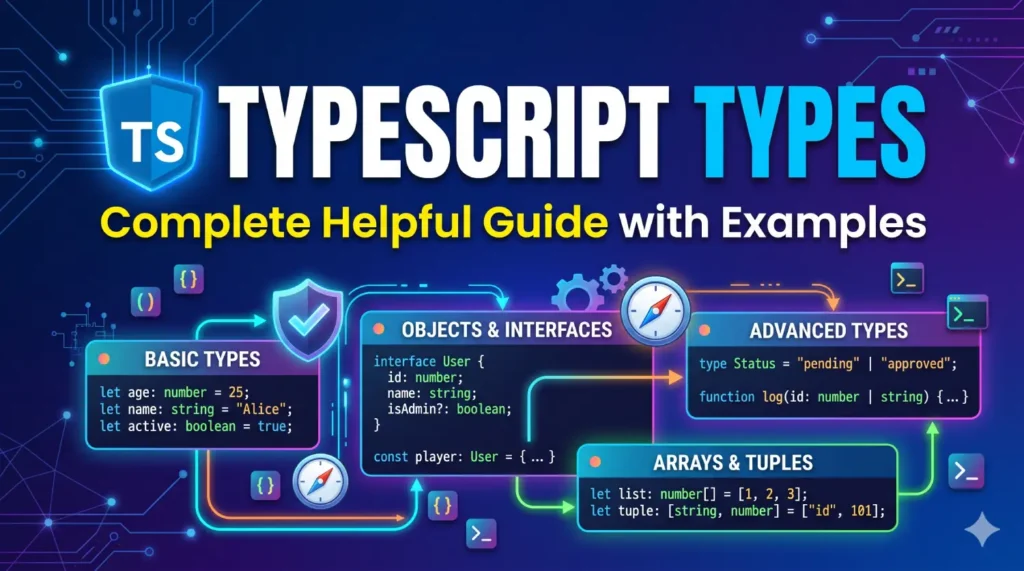
TypeScript allows developers to define types for variables, function parameters, and return values.
let username: string = "Umang";
let age: number = 25;
This helps catch errors during development rather than at runtime.
2. Type Inference
Even if you don’t explicitly define types, TypeScript can automatically infer them.
let count = 10; // inferred as number
3. Interfaces and Types
TypeScript supports interfaces to define structured data models.
interface User {
name: string;
email: string;
}
4. Modern JavaScript Support
TypeScript supports the latest ECMAScript features and compiles them into backward-compatible JavaScript.
5. Object-Oriented Programming (OOP)
Supports classes, inheritance, access modifiers, and more.
class Person {
constructor(public name: string) {}
}
6. Powerful Tooling
TypeScript enhances development with:
- IntelliSense
- Auto-completion
- Refactoring tools
Especially useful in editors like Visual Studio Code.
Benefits
- Strongly Typed Language: One of the biggest advantages of It is that it is a strongly typed language. This means that developers can define data types for variables and parameters, which helps to catch errors before they become major problems. Strong typing also improves code readability and makes it easier to maintain and refactor code.
- Code Completion and IntelliSense: It also comes with advanced code completion and IntelliSense features. These features help developers write better code by providing real-time feedback and suggestions as they type. This improves productivity and reduces the likelihood of syntax errors and other common mistakes.
- Improved Scalability: It is a great choice for large-scale projects because it is scalable and can handle complex codebases. The language’s strong typing and advanced features help to ensure that code remains consistent and maintainable, even as the project grows in size and complexity.
- Better Collaboration: It is also a valuable tool for collaborative development. By providing strict type checking and other advanced features, it helps to reduce confusion and ensure that everyone on the team is on the same page. This improves communication, reduces the likelihood of bugs and errors, and helps the team work together more efficiently.
- Compatible with JavaScript: One of the best things about It is that it is compatible with JavaScript. This means that developers can use existing JavaScript code with TypeScript, and even gradually convert JavaScript codebases to it as needed. This makes it easy to incorporate it into existing projects without the need for a complete overhaul.
- Large Community and Ecosystem: Finally, it has a large and active community of developers, which means that there are plenty of resources, tools, and frameworks available. This makes it easy to find answers to common questions, get help with tricky problems, and stay up-to-date on the latest best practices.
Advantages and Disadvantages
Advantages:
- It continuously highlights errors at compilation time throughout the time of development, while JavaScript points out errors at runtime.
- It supports strongly typed or static typing, but this is not in JavaScript.
- It runs on some browser or JavaScript engine.
- Great tooling supports IntelliSense, which offers active hints as the code is added.
- It has a namespace concept by defining a module.
Disadvantages:
- It takes a long time to compile the code.
- The quality of type definition files is a concern.
- Front-end development contains all types of frameworks and technologies, and it is generally difficult to keep up with them.
- It isn’t completely coexpressive with JavaScript. Missing highlights include HOFs, Composition, and Generics with Higher key.
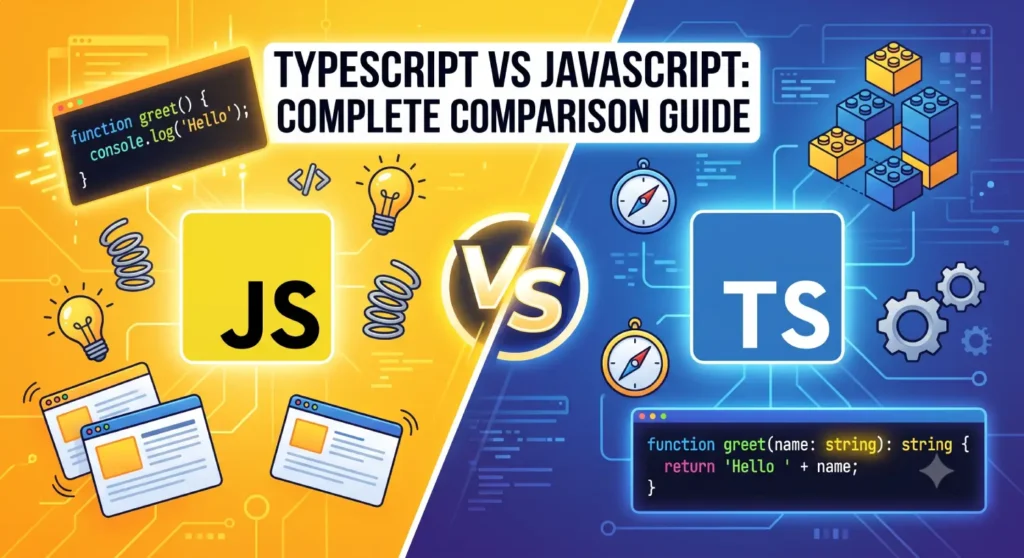
TypeScript vs JavaScript (Quick Comparison)
| Feature | TypeScript | JavaScript |
|---|---|---|
| Typing | Static (optional) | Dynamic |
| Error Detection | Compile-time | Runtime |
| Scalability | High | Moderate |
| Tooling | Advanced | Basic |
| Learning Curve | Slightly higher | Easy |
Use Cases of It in 2026
It is widely used in:
- Enterprise web applications
- Single Page Applications (SPAs)
- Backend APIs using Node.js
- Full-stack frameworks
- Large team-based projects
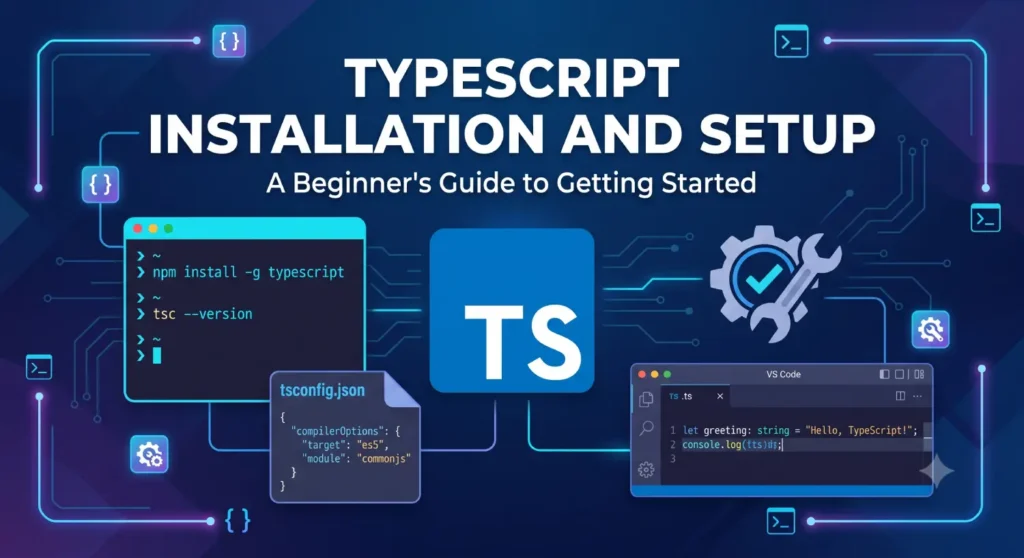
Installation and Setup (2026)
Step 1: Install Node.js
Download and install Node.js from the official website.
Step 2: Install TypeScript
Step 3: Verify Installation
Step 4: Create a TypeScript File
let message: string = “Hello TypeScript”;
console.log(message);
Step 5: Compile TypeScript
This will generate:
var message = “Hello TypeScript”;
console.log(message);
Core Concepts in It
- Types (string, number, boolean, etc.)
- Interfaces
- Classes
- Generics
- Modules
- Enums
- Type Aliases
- Decorators (advanced use)
Best Practices for It (2026)
- Use strict mode (
"strict": truein tsconfig.json) - Prefer interfaces over
any - Avoid excessive type assertions
- Organize code using modules
- Use ESLint + Prettier for clean code
References
- Official Website: https://www.typescriptlang.org/
- Documentation: https://www.typescriptlang.org/docs/
- GitHub Repository: https://github.com/microsoft/TypeScript
- Node.js: https://nodejs.org/
- MDN JavaScript Guide: https://developer.mozilla.org/en-US/docs/Web/JavaScript
Conclusion
Type Script has firmly established itself as a core technology in modern web development. With its strong typing system, advanced tooling, and seamless integration with JavaScript, it helps developers build scalable and maintainable applications with confidence.
In 2026, Type Script is not just an optional tool—it’s becoming a standard for professional development, especially for large and collaborative projects.
Whether you’re a beginner or an experienced developer, investing time in learning Type Script will significantly improve your development workflow and open up new opportunities in the ever-evolving tech landscape.
Type Script is a valuable tool for modern web development. It provides strong typing, advanced features, and improved scalability, which makes it a great choice for large-scale projects and collaborative development. Additionally, Type Script’s compatibility with JavaScript and large communities and ecosystems makes it easy to incorporate into existing projects and stay up-to-date with the latest trends and technologies. Whether you’re a seasoned developer or just starting out, Type Script is definitely worth exploring. Hope this article helps you!