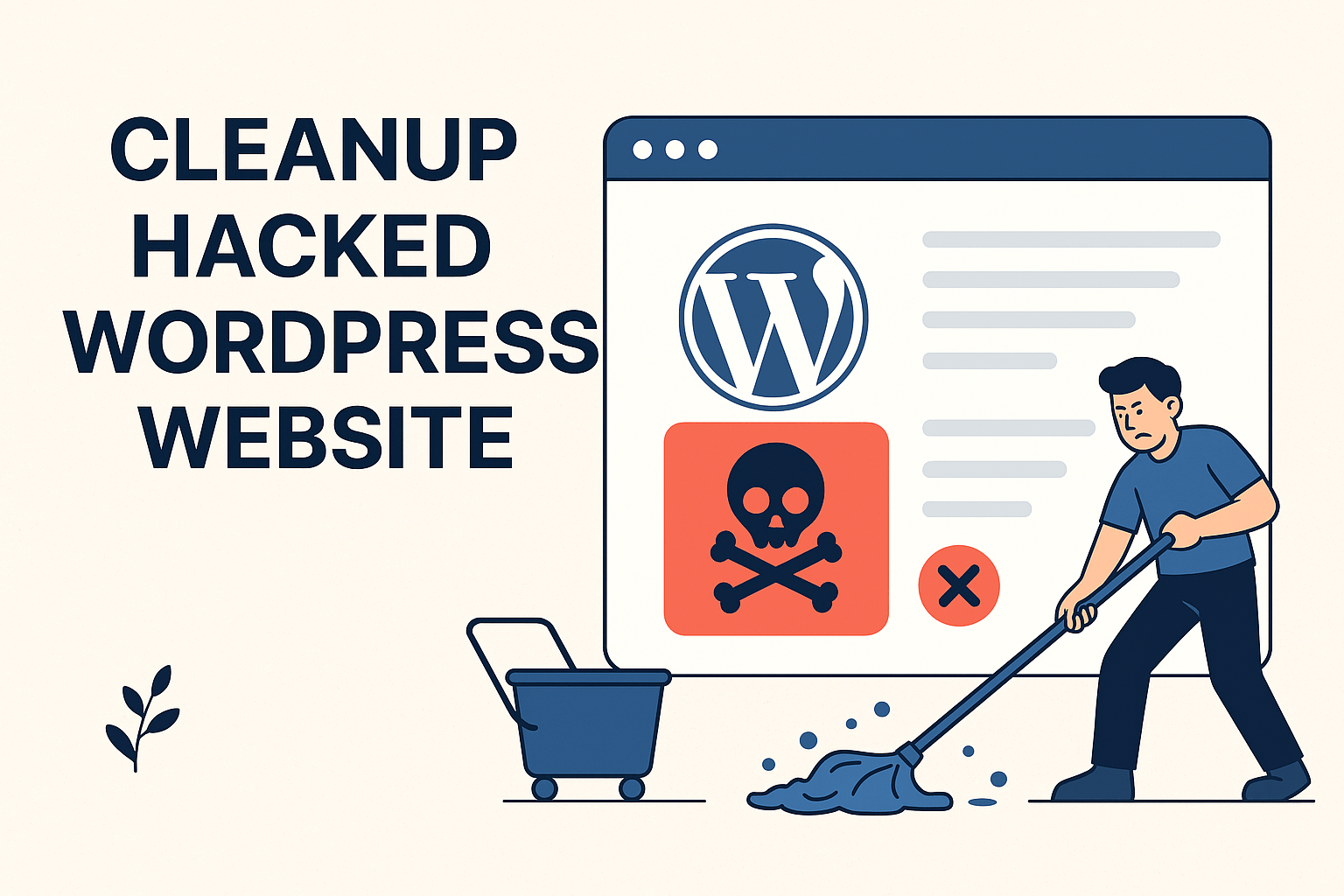
If your WordPress website hacked, then this article will help you to Cleanup Hacked WordPress Website.
Table of Contents
If your WordPress website has been hacked, it can feel overwhelming and stressful. A compromised website not only affects your business reputation but can also lead to data loss, SEO penalties, and loss of customer trust.
In this 2026 updated guide, you’ll learn how to Cleanup Hacked WordPress Website step-by-step, remove malware, secure your website, and prevent future attacks. Whether you’re a beginner or an experienced developer, this guide provides a practical and structured approach to recovery.
What Happens When a WordPress Site Gets Hacked?
A hacked WordPress website may show symptoms like:
- Redirecting users to spam or malicious sites
- Unknown admin users created
- Suspicious files or code injections
- Website flagged by Google as unsafe
- Sudden drop in traffic and SEO rankings
- Hosting account suspension
Hackers usually exploit:
- Outdated plugins/themes
- Weak passwords
- Vulnerable hosting environments
- Poor file permissions
Why Cleanup Hacked WordPress Website is Important
Ignoring a hacked website can result in:
- Blacklisting by search engines
- Data theft or malware distribution
- Permanent SEO damage
- Legal and compliance issues
Quick action is critical to minimize damage and restore your site safely.
Tools to Detect Hacked WordPress Website
Before starting Cleanup Hacked WordPress Website, scan your website using trusted tools:
- https://sitecheck.sucuri.net/
- https://hackertarget.com/wordpress-security-scan/
- https://gf.dev/wordpress-security-scanner
- https://wpsec.com/
- https://wpneuron.com/wordpress-vulnerability-scanner/
- https://quttera.com/
- https://firstsiteguide.com/wordpress-security-online-scanner/
- https://www.virustotal.com/gui/home/url
- https://transparencyreport.google.com/safe-browsing/search
These tools help identify malware, blacklist status, and vulnerabilities.
Step-by-Step Guide to Cleanup Hacked WordPress Website
1. Change All Passwords Immediately
Start by resetting all credentials:
- WordPress admin accounts
- Hosting account (cPanel / Plesk)
- FTP / SFTP accounts
- Database (MySQL) passwords
- Email accounts linked to website
Use strong passwords with:
- Uppercase + lowercase letters
- Numbers
- Special characters
2. Take a Full Backup (Even If Hacked)
Before making any changes, create a backup:
- Website files
- Database
This ensures you can restore data if anything goes wrong during cleanup.
3. Replace Core WordPress Files
Download a fresh copy of WordPress and:
- Delete all files except:
- wp-config.php
- .htaccess
- wp-content folder
- Upload fresh WordPress core files
This removes most malicious code injected into core files.
4. Clean Important Files
Manually inspect:
- .htaccess
- wp-config.php
Look for:
- Unknown redirects
- Encoded scripts (base64, eval, etc.)
- Suspicious PHP code
Remove anything suspicious.
5. Scan and Clean wp-content Folder
This is the most targeted area by hackers. So, this is required to Cleanup Hacked WordPress Website:
- Check /themes/
- Check /plugins/
- Check /uploads/
Look for:
- Unknown PHP files in uploads
- Recently modified files
- Hidden backdoors
6. Remove Outdated or Suspicious Plugins
- Delete plugins not updated in 1–2 years
- Replace with actively maintained alternatives
- Download plugins only from trusted sources
Outdated plugins are the #1 cause of WordPress hacks in 2026.
7. Check Themes Thoroughly
- Scan active theme files
- Verify parent and child themes
- Remove unused themes
Ensure no malicious code exists inside:
- functions.php
- header.php
- footer.php
8. Install a Security Plugin
Install a trusted security plugin like:
Features to use:
- Malware scanning
- Firewall protection
- Login security
- File change detection
Run a full scan and remove detected threats.
9. Check Database for Malware
Access your database via phpMyAdmin and:
- Search for suspicious content
- Check wp_options, wp_posts tables
- Remove spam links or injected scripts
10. Fix Google Blacklist Issues
If your site is flagged:
- Use Google Safe Browsing tool
- Submit reconsideration request via Google Search Console
This restores your website visibility in search results.
11. Re-scan Your Website
After Cleanup Hacked WordPress Website:
- Run all security scanners again
- Ensure no malware remains
- Test all pages and functionality
Advanced Security Hardening (2026 Best Practices)
After Cleanup Hacked WordPress Website, secure your site:
Enable Two-Factor Authentication (2FA)
Adds an extra layer of login security.
Use Web Application Firewall (WAF)
Services like Cloudflare protect against attacks.
Disable File Editing
Add this in wp-config.php:
Set Correct File Permissions
- Files: 644
- Folders: 755
Limit Login Attempts
Prevent brute-force attacks.
Use HTTPS (SSL Certificate)
Encrypts communication between users and server.
Common Mistakes to Avoid
- Ignoring small warnings
- Using nulled (pirated) themes/plugins
- Not updating WordPress regularly
- Skipping backups
- Weak passwords
SEO Impact of Hacked Website
A hacked website can severely damage your SEO:
- Google blacklist warnings
- De-indexing of pages
- Loss of rankings
- Drop in organic traffic
Always fix security issues quickly and request reindexing.
Prevention Tips (Long-Term Security)
- Keep WordPress, plugins, themes updated
- Use premium security plugins
- Schedule regular backups
- Monitor website activity logs
- Use secure hosting providers
References
- https://wordpress.org/support/article/hardening-wordpress/
- https://sucuri.net/guides/how-to-clean-hacked-wordpress/
- https://www.wordfence.com/learn/how-to-clean-a-hacked-wordpress-site/
- https://developers.google.com/search/docs/monitor-debug/security
Conclusion
Cleanup Hacked WordPress Website requires patience, technical knowledge, and a structured approach. By following this 2026 step-by-step guide, you can successfully remove malware, restore your website, and protect it from future threats.
Remember, prevention is always better than cure. Invest in security measures today to avoid bigger problems tomorrow.
With the right tools and strategy, you can regain full control of your website and maintain a secure online presence.