MySQL Triggers (2026 Helpful Guide): Complete Tutorial with Examples, Use Cases & Best Practices
MySQLApr 11, 2026
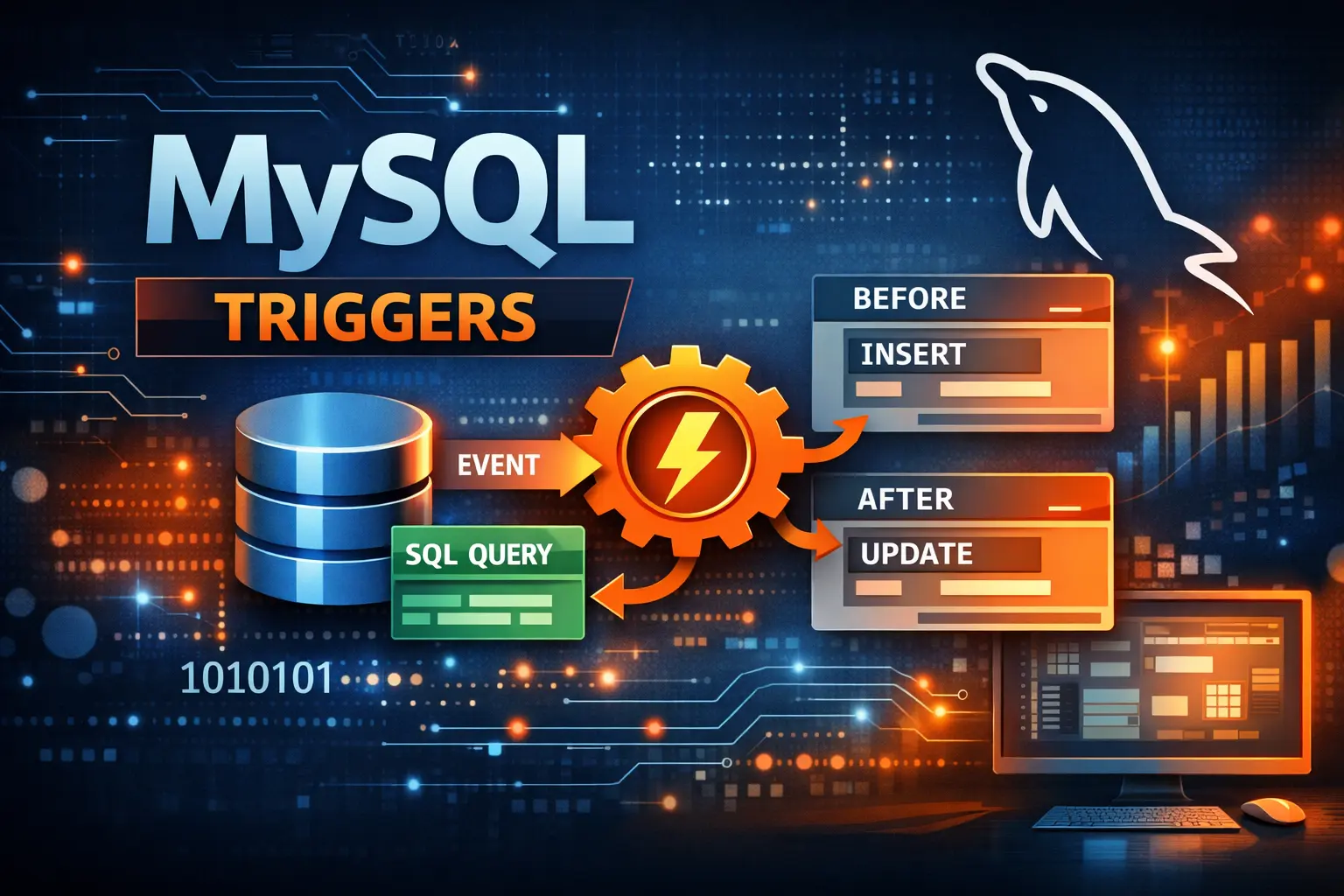
In this comprehensive 2026 guide, we will explore everything you need to know about MySQL triggers—from basic concepts to advanced use cases, performance considerations, and real-world applications.
Table of Contents
In modern database-driven applications, automation and data integrity are critical. Web Developers often need a way to automatically enforce rules, validate data, or perform additional operations whenever database changes occur. This is where MySQL Triggers come into play.
MySQL, one of the most widely used relational database management systems, provides triggers as a powerful feature to execute predefined logic automatically when specific database events occur.
What is MySQL?
MySQL is an open-source relational database management system (RDBMS) that uses Structured Query Language (SQL) to manage and manipulate data. It is widely used in web applications, enterprise systems, and cloud-based platforms due to its performance, reliability, and scalability.
What are MySQL Triggers?
A trigger in MySQL is a database object that is automatically executed when a specific event occurs on a table.
These events include:
- INSERT
- UPDATE
- DELETE
Triggers are executed automatically by the MySQL server, meaning developers do not need to manually invoke them.
Key Characteristics of Triggers
- Automatically executed
- Associated with a specific table
- Triggered by database events
- Can contain multiple SQL statements
- Used to enforce business logic and data integrity
Types of MySQL Triggers
MySQL supports six types of triggers, based on timing and event:
1. BEFORE INSERT
Executes before a new row is inserted.
2. AFTER INSERT
Executes after a new row is inserted.
3. BEFORE UPDATE
Executes before a row is updated.
4. AFTER UPDATE
Executes after a row is updated.
5. BEFORE DELETE
Executes before a row is deleted.
6. AFTER DELETE
Executes after a row is deleted.
Why Use MySQL Triggers?
Triggers are extremely useful in real-world applications. Here are the key reasons to use them:
1. Data Integrity Enforcement
Ensure that data follows business rules automatically.
2. Automation
Automatically perform actions like logging, updating timestamps, or maintaining audit trails.
3. Validation
Prevent invalid data from being inserted or updated.
4. Audit Logging
Track changes in sensitive tables.
5. Derived Data Management
Maintain calculated fields without manual intervention.
Syntax of MySQL Trigger
Here is the basic syntax:
CREATE TRIGGER trigger_name
{BEFORE | AFTER} {INSERT | UPDATE | DELETE}
ON table_name
FOR EACH ROW
BEGIN
-- SQL statements
END;
Understanding OLD and NEW Keywords
In triggers, MySQL provides two special keywords:
| Keyword | Description |
|---|---|
| NEW | Refers to new row values |
| OLD | Refers to existing row values |
Example:
- NEW.salary — New value after update
- OLD.salary — Old value before update
Creating a MySQL Trigger (Step-by-Step)
Example 1: Automatically Update Timestamp
DELIMITER $$

CREATE TRIGGER update_timestamp
AFTER INSERT ON users
FOR EACH ROW
BEGIN
UPDATE users
SET created_at = NOW()
WHERE id = NEW.id;
END $$

DELIMITER ;
Example 2: BEFORE INSERT Validation
DELIMITER $$

CREATE TRIGGER check_age
BEFORE INSERT ON users
FOR EACH ROW
BEGIN
IF NEW.age < 18 THEN
SIGNAL SQLSTATE '45000'
SET MESSAGE_TEXT = 'User must be at least 18 years old';
END IF;
END $$

DELIMITER ;
Example 3: Logging Data Changes
DELIMITER $$

CREATE TRIGGER log_user_update
AFTER UPDATE ON users
FOR EACH ROW
BEGIN
INSERT INTO user_logs(user_id, old_name, new_name, changed_at)
VALUES (OLD.id, OLD.name, NEW.name, NOW());
END $$

DELIMITER ;
Real-World Use Cases of MySQL Triggers
1. Audit Logging System
Triggers can automatically log every change in critical tables.
2. E-commerce Order Management
- Update inventory after order placement
- Log order history
3. Financial Applications
- Track balance changes
- Maintain transaction logs
4. CMS Systems
- Track content edits
- Maintain revision history
5. Data Synchronization
Keep related tables in sync automatically.
Advanced MySQL Trigger Examples
Example: Maintain Inventory Automatically
DELIMITER $$

CREATE TRIGGER update_inventory
AFTER INSERT ON orders
FOR EACH ROW
BEGIN
UPDATE products
SET stock = stock - NEW.quantity
WHERE id = NEW.product_id;
END $$

DELIMITER ;
Example: Prevent Negative Balance
DELIMITER $$

CREATE TRIGGER prevent_negative_balance
BEFORE UPDATE ON accounts
FOR EACH ROW
BEGIN
IF NEW.balance < 0 THEN
SIGNAL SQLSTATE '45000'
SET MESSAGE_TEXT = 'Balance cannot be negative';
END IF;
END $$

DELIMITER ;
How to View Triggers in MySQL
SHOW TRIGGERS;
To view trigger structure:
SHOW CREATE TRIGGER trigger_name;
How to Drop a Trigger
DROP TRIGGER IF EXISTS trigger_name;
Limitations of MySQL Triggers (2026 Update)
While triggers are powerful, they have some limitations:
- Cannot return values
- Cannot call stored procedures that return result sets
- Cannot use transaction control statements (like COMMIT)
- Only one trigger per event per table (BEFORE/AFTER per action)
- Debugging can be difficult
Performance Considerations
Triggers run automatically, which can impact performance if not used carefully.
Best Practices:
- Keep trigger logic simple
- Avoid heavy queries inside triggers
- Avoid nested triggers
- Use indexing for faster execution
- Monitor performance regularly
MySQL Triggers vs Stored Procedures
| Feature | Triggers | Stored Procedures |
|---|---|---|
| Execution | Automatic | Manual |
| Use Case | Event-based logic | Reusable logic |
| Control | Limited | More flexible |
| Debugging | Difficult | Easier |
MySQL Triggers vs Application Logic
When to Use Triggers:
- Data validation at DB level
- Audit logging
- Enforcing constraints
When NOT to Use:
- Complex business logic
- Heavy computations
- Logic that needs flexibility
Security Considerations
Triggers run with database privileges, so:
- Limit permissions
- Avoid sensitive operations
- Audit trigger usage
Best Practices for MySQL Triggers (2026)
- Keep triggers simple and efficient
- Use meaningful naming conventions
- Avoid recursive triggers
- Document trigger logic clearly
- Test triggers thoroughly
- Avoid business logic overload
- Use triggers only when necessary
Common Mistakes to Avoid
- Writing complex logic inside triggers
- Ignoring performance impact
- Not handling errors properly
- Overusing triggers instead of application logic
- Not documenting triggers
MySQL Trigger Debugging Tips
Debugging triggers can be tricky. Here are some tips:
- Use logging tables
- Break logic into smaller parts
- Test triggers in isolation
- Use SIGNAL for error handling
MySQL 2026 Updates & Improvements
As of recent MySQL versions:
- Improved error handling using SIGNAL
- Better performance optimization
- Enhanced compatibility with modern applications
- Improved replication support
When Should You Use Triggers?
Use triggers when:
- You need automatic execution
- You want to enforce data rules
- You need audit logging
- You want DB-level consistency
Avoid triggers when:
- Logic is too complex
- Performance is critical
- Logic belongs in application layer
References
- https://dev.mysql.com/doc/refman/8.0/en/triggers.html
- https://dev.mysql.com/doc/refman/8.0/en/create-trigger.html
- https://dev.mysql.com/doc/refman/8.0/en/trigger-syntax.html
- https://dev.mysql.com/doc/refman/8.0/en/signal.html
Conclusion
MySQL triggers are a powerful feature that allows developers to automate database operations, enforce business rules, and maintain data integrity efficiently. When used correctly, triggers can significantly reduce manual effort and ensure consistency across your database.
However, like any powerful tool, they should be used carefully. Overusing triggers or implementing complex logic within them can lead to performance issues and maintenance challenges.
In 2026, triggers remain a relevant and essential feature in MySQL, especially for applications requiring robust data validation, auditing, and automation at the database level.


