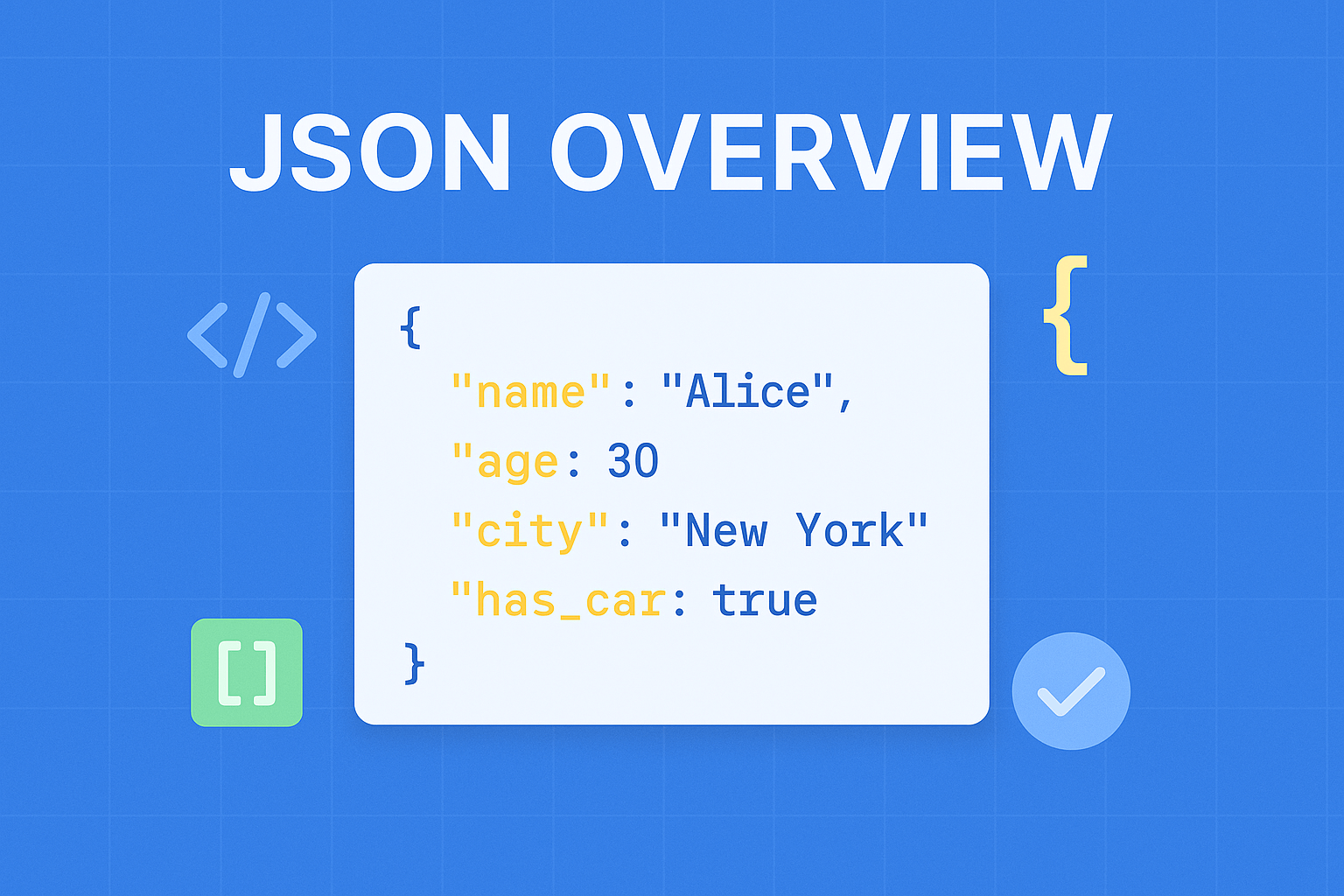
In this article, we’ll see JSON Overview.
Table of Contents
In modern web development, efficient data exchange is critical for building fast, scalable, and interactive applications. Whether you’re working with APIs, mobile apps, or cloud-based systems, data needs to move seamlessly between different platforms.
This is where JavaScript Object Notation plays a vital role.
It has become the de facto standard for data interchange across the web due to its simplicity, readability, and compatibility with almost every programming language. From REST APIs to configuration files and NoSQL databases, it is everywhere in 2026.
In this article, we will explore it in detail—its structure, syntax, benefits, use cases, and modern best practices.
What is JSON
JSON (JavaScript Object Notation) is an open standard format that uses easily readable text to transmit data objects consisting of key-value pairs. It is the most common data format used for asynchronous browser/server communication, largely replacing XML.
In the early 2000s, It was initially specified by Douglas Crockford. In 2013, It was standardized as ECMA-404, and RCF 8259 was published in 2017.
It is primarily used to transfer data over the network i.e. Server to Client. Because it is lightweight compared to XML, it’s replacing XML for transferring data over the network.
It serves as a standardized way to represent and transmit structured data, providing a flexible and efficient means of communication between different systems.
It has two structures:
- Key-Value: a collection of name-value pairs.
- Ordered List: ordered List of values.
Here is an example of JSON data.
{
"firstName": "Steve",
"lastName": "Jobs",
"phoneNumbers": [
"98334545",
"64655567"
]
}
JavaScript Object Notation syntax is a subset of JavaScript syntax.
The JavaScript function JSON.parse(text) can be used to convert JSON text into a JavaScript object.
Why is it popular in 2026
It continues to dominate because of its:
- Lightweight structure (faster than XML)
- Native compatibility with JavaScript
- Strong support across all programming languages
- Integration with modern technologies like:
- REST APIs
- GraphQL
- Serverless architecture
- Microservices
Data Structures
It supports two primary data structures:
1. Key-Value Pair (Objects)
A collection of name/value pairs enclosed in {}.
“name”: “John”,
“age”: 30
}
2. Ordered List (Arrays)
An ordered collection of values enclosed in [].
“numbers”: [1, 2, 3, 4]
}
Example
Here’s a real-world example:
“firstName”: “Steve”,
“lastName”: “Jobs”,
“phoneNumbers”: [
“98334545”,
“64655567”
]
}
JavaScript Object Notation Syntax Rules
JavaScript Object Notation syntax is derived from JavaScript object syntax, but it is more strict.
Key Rules:
- Data is in key-value pairs
- Keys must be strings (double quotes)
- Values can be:
- String
- Number
- Boolean
- Array
- Object
- Null
- Data is separated by commas
- Curly braces
{}hold objects - Square brackets
[]hold arrays
JavaScript Object Notation vs JavaScript Objects
Although it looks like JavaScript, they are not identical:
| Feature | JSON | JavaScript Object |
|---|---|---|
| Keys | Must be in double quotes | Quotes optional |
| Functions | Not allowed | Allowed |
| Comments | Not allowed | Allowed |
| Data Types | Limited | More flexible |
Parsing JSON in JavaScript
JavaScript provides built-in methods for working with it.
Convert JSON → JavaScript Object
const obj = JSON.parse('{"name":"John","age":30}');
console.log(obj.name);
Convert Object → JSON
const json = JSON.stringify({ name: "John", age: 30 });
console.log(json);
Benefits:
- Simplicity and Readability: Its concise and intuitive syntax makes it easy for both humans and machines to understand. Its simplicity contributes to quicker development and easier debugging.
- Language Agnostic: It can be used with any programming language, making it highly versatile and widely adopted across different platforms and systems.
- Easy Integration: It seamlessly integrates with popular web technologies, including JavaScript, making it ideal for exchanging data between web applications and APIs.
- Lightweight and Efficient: Its lightweight nature ensures fast data transmission, reducing latency and improving overall performance in web applications.
Integrating into Web Development:
- Consuming APIs: Many web APIs provide data in JSON format, allowing developers to easily extract and utilize the received information in their applications.
- Storage and Retrieval: It is commonly used for storing and retrieving data in databases, files, or even as configuration files, providing a standardized and flexible format for persistence.
- Client-Server Communication: It simplifies the exchange of data between clients and servers, facilitating seamless communication and enhancing user experiences.
- Data Manipulation and Transformation: Its simplicity makes it an ideal choice for manipulating and transforming data, enabling developers to extract relevant information and perform calculations efficiently.
Use Cases of it in 2026
1. API Communication
REST and GraphQL APIs commonly use it for request and response payloads.
2. Frontend Development
Frameworks like:
- React
- Vue
- Angular
use JSON for state management and API responses.
3. Configuration Files
Used in:
- package.json (Node.js)
- tsconfig.json
- Environment settings
4. Databases
NoSQL databases like MongoDB store data in JSON-like formats.
5. Data Storage
Used for:
- Local storage
- File-based storage
- Caching systems
Advantages and Disadvantages
Advantages :
- easy to read/write/parse
- reasonably succinct (compared with XML, for instance)
- common “standard” with many libraries available
Disadvantages :
- not as light as binary formats
- can’t use comments
- it’s “encapsulated”, meaning that you can’t readily stream/append data but have to break it up into individual objects. XML has the same problem, whereas YAML and CSV do not
- difficult to describe the data you’re presenting (easier with XML)
- unable to enforce, or validate against, a structure/schema
- It doesn’t have a “Date” type
- It isn’t efficient over the wire, binary protocols are better
Best Practices (2026)
To write better it:
- Use meaningful key names
- Keep structure consistent
- Avoid deeply nested objects
- Validate using JSON Schema
- Use compression (gzip) for large payloads
- Prefer camelCase for keys (common convention)
JSON vs XML (Quick Comparison)
| Feature | JSON | XML |
|---|---|---|
| Readability | High | Medium |
| Size | Smaller | Larger |
| Speed | Faster | Slower |
| Complexity | Simple | Complex |
| Use Case | APIs, Web | Legacy systems |
Future
Even in 2026, it remains dominant, but alternatives are emerging:
- Protocol Buffers (faster, binary)
- MessagePack (compact binary JSON)
- YAML (more human-friendly)
However, it still leads due to:
- Simplicity
- Universal support
- Strong ecosystem
References
- https://www.json.org/
- https://www.rfc-editor.org/rfc/rfc8259
- https://www.ecma-international.org/publications-and-standards/standards/ecma-404/
- https://developer.mozilla.org/en-US/docs/Web/JavaScript/Reference/Global_Objects/JSON
Conclusion
It has revolutionized the way applications communicate. Its lightweight structure, readability, and universal compatibility make it the backbone of modern web development.
Whether you’re building APIs, handling frontend data, or working with databases, mastering it is essential.
By understanding it deeply and applying best practices, you can:
- Improve performance
- Simplify data handling
- Build scalable applications
It has become a game-changer in web development, offering a simple yet powerful approach to data interchange. By embracing JSON’s intuitive syntax and understanding its benefits, you can streamline data exchange in your web applications. Whether you’re retrieving data from APIs, storing information, or facilitating client-server communication, It’s versatility and compatibility will simplify your development process. Embrace the magic of It and unleash its potential to enhance data interchange, opening new doors for creative and engaging web applications.
I hope this article helps you understand the basics of it!