In the early days of web development, “deployment” often meant dragging files via FTP to a live server and praying nothing broke. Today, the modern web demands speed, reliability, and security. Enter CI/CD—the backbone of modern DevOps and the secret weapon of high-performing web development teams.
Table of Contents
If you are tired of the “it works on my machine” excuse or dread Friday afternoon deployments, this guide is for you. We will break down CI/CD from a web developer’s perspective, covering everything from core concepts to a practical pipeline example.
What is CI/CD Pipeline?
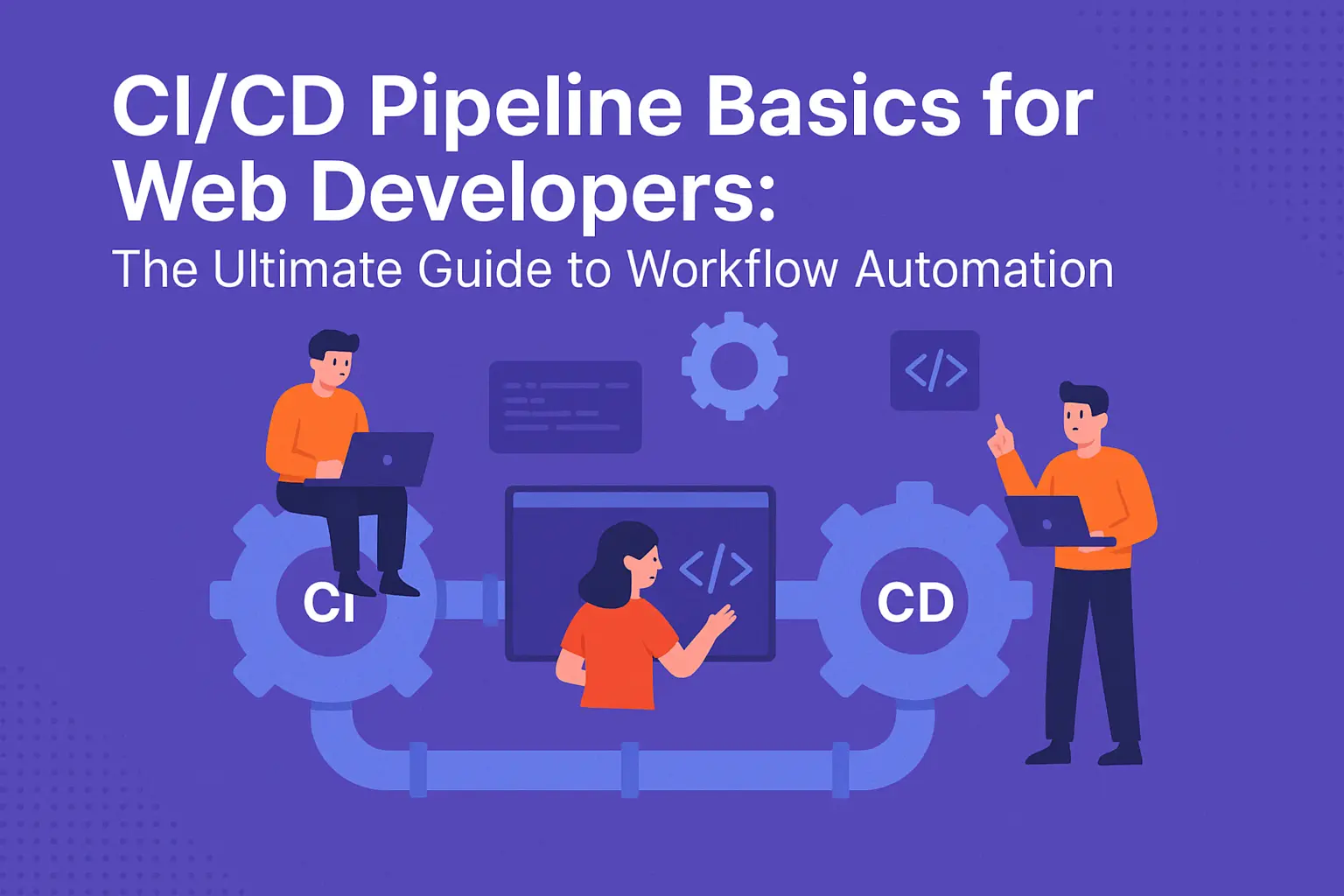
CI/CD stands for Continuous Integration and Continuous Delivery (or Continuous Deployment). It is a method to frequently deliver apps to customers by introducing automation into the stages of app development.
Understanding the importance of a CI/CD pipeline can significantly enhance your development process.
1. Continuous Integration (CI)
“Merge often, fail fast.” CI is the practice where developers frequently merge their code changes into a central repository (like GitHub or GitLab). Automated builds and tests run immediately to verify each change.
-
The Goal: Catch bugs before they reach the main codebase.
-
For Web Devs: This means every time you push a React component or a Node.js API endpoint, a script automatically checks if your code compiles, lints correctly, and passes unit tests.
2. Continuous Delivery vs. Continuous Deployment (CD)
“Release with confidence.” While CI handles the code quality, CD handles the release.
A robust CI/CD pipeline increases deployment frequency and reduces the lead time for changes.
-
Continuous Delivery: Your code is automatically built, tested, and prepared for release to a staging environment. It requires a manual approval button to deploy to production.
-
Continuous Deployment: Every change that passes all stages of your production pipeline is released to your customers automatically. There is no human intervention.
Note: Most web development teams start with Continuous Delivery to maintain control, eventually moving to Continuous Deployment as their automated testing matures.
Why Should Web Developers Care?
With a reliable CI/CD pipeline, developers can deliver updates more frequently and with fewer issues.
Implementing a CI/CD pipeline isn’t just “DevOps work”—it directly impacts your daily life as a developer.
-
No More “It Works on My Machine”: Automated environments ensure your code runs in a clean, production-like setting every time.
A well-structured CI/CD pipeline ensures that testing is integrated into the workflow, improving code quality.
-
Faster Feedback Loop: Instead of finding out a bug exists three weeks later during QA, you get an alert 5 minutes after you push code.
-
Reduced Context Switching: You fix errors while the logic is fresh in your mind, rather than revisiting old code.
-
Sleep Better: Automated rollbacks and testing mean you release updates without the fear of taking down the production site.
Anatomy of a Web CI/CD Pipeline
A “pipeline” is simply the series of steps your code takes from your laptop to the user’s browser. Here is what a standard web development pipeline looks like:
Stage 1: Source
The trigger. You push a commit to a branch or open a Pull Request (PR).
-
Tools: GitHub, GitLab, Bitbucket.
Stage 2: Build
The compilation. The CI server spins up a container, downloads your code, and installs dependencies.
-
Web Context: Running npm install, npm run build, or bundling assets with Webpack/Vite.
-
Validation: Checking for syntax errors and circular dependencies.
Stage 3: Test
The verification. This is the most critical stage for reliability.
-
Linting: Ensuring code style consistency (ESLint, Prettier).
-
Unit Tests: Testing individual functions (Jest, Vitest).
-
Integration Tests: Testing how modules work together (React Testing Library).
-
E2E Tests: Simulating real user behavior (Cypress, Playwright).
Stage 4: Deploy
The release. Moving the code to a server.
-
Staging: Deploys to a private URL (e.g., staging.myapp.com) for final human review.
-
Production: Deploys to the live user-facing site.
Your CI/CD pipeline is critical in ensuring your applications are always ready for deployment.
Step-by-Step Example: A React & Node.js Pipeline
Let’s make this concrete. Imagine you are building a full-stack web app with a React frontend and a Node.js backend. Here is how you might set up a CI/CD pipeline workflow using GitHub Actions, one of the most popular tools for web developers in 2025.
The Scenario
You want to:
-
Run tests whenever a Pull Request is opened.
-
Deploy to a staging environment when code is merged to the develop branch.
-
Deploy to production when code is merged to main.
The Configuration (Conceptual YAML)
In GitHub Actions, you define workflows in .yml files.
1. The Frontend Workflow (frontend.yml)
This job handles your React app.
name: Frontend CI/CD

on:
  push:
    branches: [ "main" ]
  pull_request:
    branches: [ "main" ]

jobs:
  build-and-test:
    runs-on: ubuntu-latest
    steps:
      - name: Checkout code
        uses: actions/checkout@v4

      - name: Install Node.js
        uses: actions/setup-node@v4
        with:
          node-version: '20'

      - name: Install Dependencies
        run: npm ci

      - name: Run Linter
        run: npm run lint

      - name: Run Tests
        run: npm test

  deploy-production:
    needs: build-and-test
    if: github.ref == 'refs/heads/main'
    runs-on: ubuntu-latest
    steps:
      - name: Deploy to Vercel
        uses: amondnet/vercel-action@v20
        with:
          vercel-token: ${{ secrets.VERCEL_TOKEN }}
          vercel-org-id: ${{ secrets.ORG_ID }}
          vercel-project-id: ${{ secrets.PROJECT_ID }}
          vercel-args: '--prod'
2. The Backend Workflow
For the Node.js API, the steps are similar but might include building a Docker container.
-
Step 1: Checkout code.
-
Step 2: Run npm test (Unit tests for API logic).
-
Step 3: Build a Docker image (docker build .).
-
Step 4: Push the image to a container registry (like Docker Hub or AWS ECR).
-
Step 5: Trigger a deployment on your cloud provider (e.g., AWS ECS, DigitalOcean App Platform).
Why this setup works
-
Parallelism: Frontend and backend tests can run at the same time, saving minutes.
-
Safety: The deploy-production job specifically needs the build-and-test job to pass. If tests fail, the deployment never happens.
Popular CI/CD Pipeline Tools for Web Developers
Choosing the right tools for your CI/CD pipeline can streamline your development and deployment processes.
The landscape is vast, but these are the industry standards you should know.
1. GitHub Actions
-
Best For: Almost everyone, especially if your code is already on GitHub.
-
Pros: Deep integration with GitHub, massive marketplace of pre-built actions, free tier is generous.
-
Cons: YAML syntax can get complex for massive pipelines.
2. Vercel / Netlify
Integrating CI/CD pipeline practices can lead to improved collaboration among your development team.
-
Best For: Frontend developers (React, Vue, Next.js, Nuxt).
-
Pros: Zero-configuration CI/CD. You link your repo, and they handle build/deploy automatically. They effectively “abstract away” the pipeline.
-
Cons: Less control over custom backend pipelines or complex infrastructure.
3. GitLab CI/CD Pipeline
-
Best For: Enterprise teams and those who want an all-in-one DevOps platform.
-
Pros: Excellent visualization of pipelines, built-in container registry, top-tier security features.
4. Jenkins
-
Best For: Legacy systems or highly complex, custom setups.
-
Pros: Infinite customizability.
-
Cons: High maintenance (you often have to host the server yourself), steeper learning curve.
CI/CD Best Practices for Web Devs
To avoid “CI/CD fatigue” (where the pipeline is so slow or flaky that developers ignore it), follow these rules:
1. Speed is King
A pipeline that takes 30 minutes to run is a pipeline that kills productivity.
-
Tip: Use Caching. Cache your node_modules so you don’t download 500MB of dependencies on every single run.
-
Tip: Run tests in Parallel. Run your linter, unit tests, and integration tests simultaneously.
2. Don’t Commit Secrets
Never hardcode API keys or database passwords in your yml files.
-
Solution: Use “Secrets” management in your CI tool (e.g., GitHub Secrets) to inject environment variables at runtime.
3. Fix Flaky Tests Immediately
A “flaky” test is one that passes sometimes and fails others without code changes.
-
The Danger: If developers stop trusting red flags, they will eventually merge broken code.
-
Action: If a test is flaky, fix it or delete it. Do not leave it.
Ultimately, automating your CI/CD pipeline frees developers to focus on writing code rather than managing deployments.
4. Immutable Build Artifacts
Build once, deploy everywhere.
-
Concept: Don’t run “npm run build” in staging and then run it again for production. Build the artifact (e.g., the Docker image or the .zip file) once, and promote that exact artifact through the stages. This ensures the code you tested is exactly the code you release.
In summary, a streamlined CI/CD pipeline enhances productivity and reduces deployment risks.
2025 Trends: The Future of Pipelines
As we move through 2025, CI/CD pipeline is evolving. Here is what is bleeding edge right now.
AI-Driven Pipelines
AI is beginning to optimize CI/CD pipeline.
-
Predictive Test Selection: Instead of running all 5,000 tests for a one-line CSS change, AI analyzes the code and runs only the relevant tests.
-
Auto-Remediation: If a build fails due to a simple syntax error, AI agents can suggest or even apply the fix automatically in a new commit.
GitOps
GitOps is the evolution of Infrastructure as Code (IaC).
-
The Idea: The state of your infrastructure (Kubernetes manifests, Terraform files) is stored in a Git repository.
-
The Workflow: To change a server configuration, you don’t SSH in; you open a Pull Request. Once merged, an operator in the cluster automatically syncs the live infrastructure to match the Git repo. This is becoming standard for Kubernetes-based web apps.
Serverless CI/CD
Moving away from managing “build servers” (like Jenkins nodes) toward fully ephemeral, on-demand runners that spin up for seconds to run a task and then vanish, reducing costs and carbon footprint.
References
- https://www.redhat.com/en/topics/devops/what-cicd-pipeline
- https://about.gitlab.com/blog/positive-outcomes-ci-cd/
- https://spacelift.io/blog/ci-cd-tools
Conclusion
CI/CD pipeline is no longer a luxury for web developers—it is a necessity for staying competitive. It transforms the release process from a high-stress event into a boring, non-event.
The evolution of CI/CD pipelines is critical for adapting to the fast-paced changes in web development. By prioritizing your CI/CD pipeline, you ensure a smoother, more efficient development process. As you refine your CI/CD pipeline, keep evaluating its effectiveness and make adjustments as needed. Remember, a well-designed CI/CD pipeline can significantly decrease the chances of deployment failures.
Investing time in creating a reliable CI/CD pipeline will pay off in smoother releases and higher-quality code. By setting up a basic pipeline today using tools like GitHub Actions or Vercel, you invest in your own peace of mind. You allow yourself to focus on what you do best: writing great code, while the robots handle the rest.